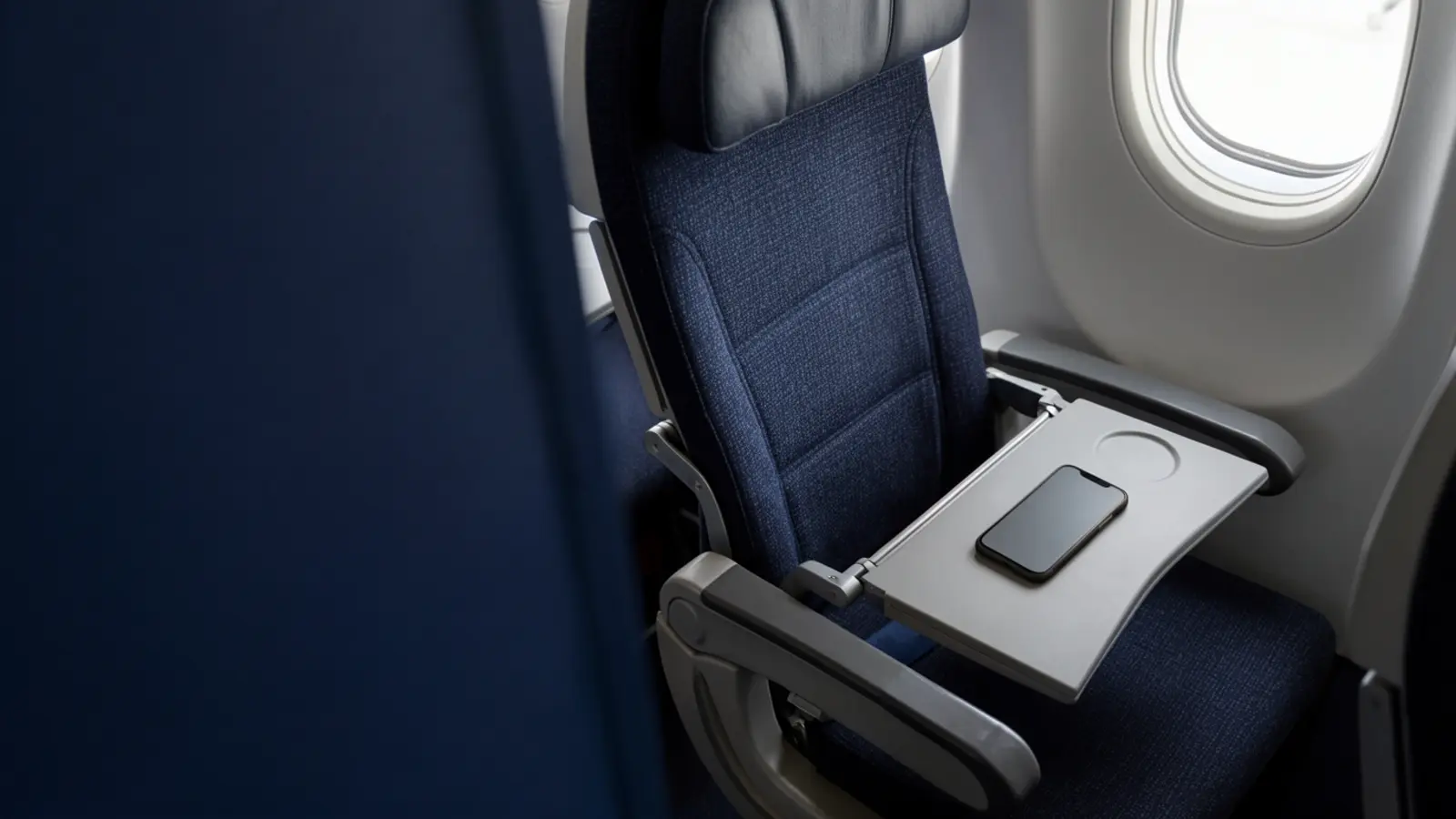
Fake In-Flight Wi-Fi on a Delta Flight: How Travellers Can Stay Safer
Delta is investigating an unauthorised Wi-Fi network found during a Las Vegas-to-Atlanta flight, a useful reminder not to trust a hotspot simply because its name looks familiar.
The short version
What you need to know
- Delta says an unauthorised Wi-Fi network appeared briefly on a Las Vegas-to-Atlanta flight and that its legitimate network and aircraft systems were not compromised.
- At publication, the operator and purpose of the network were unknown, so travellers should avoid assuming that anyone's passwords or traffic were definitely stolen.
- A full-tunnel VPN can reduce what a rogue local hotspot can observe, but it cannot prove that a network name is genuine or make a fake sign-in page safe.
What happened?
TechCrunch reported on 11 August that Delta Air Lines is investigating after an unidentified passenger allegedly created an unauthorised Wi-Fi network during a flight from Las Vegas to Atlanta. The crew disabled the legitimate onboard internet for about 30 minutes while the issue was handled.
Delta told the publication that the suspicious network appeared only briefly, that its own in-flight network was not compromised, and that flight safety and aircraft operating systems were never affected. The airline said it would work with federal law enforcement and aviation regulators.
What is known — and what is not
A device can broadcast a network name that resembles a trusted airline, hotel or cafe hotspot. This is commonly called an evil-twin or rogue access point. A familiar-looking name is not authentication: several networks can use the same or a very similar label.
The published report did not establish who created the network, why it was created, whether anybody connected, or whether credentials or traffic were intercepted. Treat it as a real network-safety warning without turning an investigation into a confirmed data-theft claim.
How travellers can reduce the risk
Confirm the official network name and connection process using the airline app, seatback instructions or cabin crew rather than choosing the strongest or most convincing name. Disable automatic joining for open networks, forget suspicious hotspots, keep device sharing off and avoid installing certificates, profiles, browser extensions or software offered by a captive portal.
Use the official app or type a known address yourself for important accounts. Modern HTTPS helps protect page contents in transit, but stop if the browser reports a certificate warning or a portal asks for an email, banking or social-media password that the airline should not need. If you entered credentials on a suspicious page, change them from a trusted connection and review account sessions.
Where a VPN helps — and where it does not
A reputable full-tunnel VPN can encrypt traffic between your device and its VPN server after the tunnel connects. That reduces what a malicious or poorly secured local hotspot can read and makes passive local-network monitoring less useful.
A VPN cannot authenticate the Wi-Fi name, stop you joining a rogue network, make a phishing portal genuine or protect credentials you voluntarily type into a fake page. Connect carefully first, then use a kill switch or block traffic until the VPN tunnel is active where your app supports it.
VPN Rocks view
The useful lesson is broader than one airline: network names are labels, not identity checks. Travellers should verify the connection route and treat unexpected portal demands as suspicious even in a controlled environment such as an aircraft cabin.
VPN protection is genuinely relevant to rogue-hotspot risk, but only as one layer alongside HTTPS, careful network selection, software updates and scepticism toward login prompts.
Primary reading
Sources and further reading
We add plain-English context and practical advice. These links let you inspect the underlying reporting, research and official guidance directly.